
(NAS) Upgrades, People... (NAS) Upgrades
I rebuilt my Unraid NAS with Proxmox, TrueNAS, HBA passthrough, ECC memory ft file migration mishaps

I've always loved my NAS. Rack mounted, plentiful storage, adequate RAM, a big ol RTX 2080ti and Unraid. It served me well after I moved on from my HP Gen8 MicroServer and built something a little more custom. It was assembled mostly from parts left over from my vintage 2017 gaming computer, so it was practically free, outside of the four 10 TB drives that were WAY cheaper in 2021. It did all the things. Storage, VMs and Docker stuff; everything you need, but not everything. As I 'Got gud' I quickly outgrew it. It was simply too simple and boy do I love breaking stuff. In the great words of Bob Dylan. "The Times They Are A-Changin"
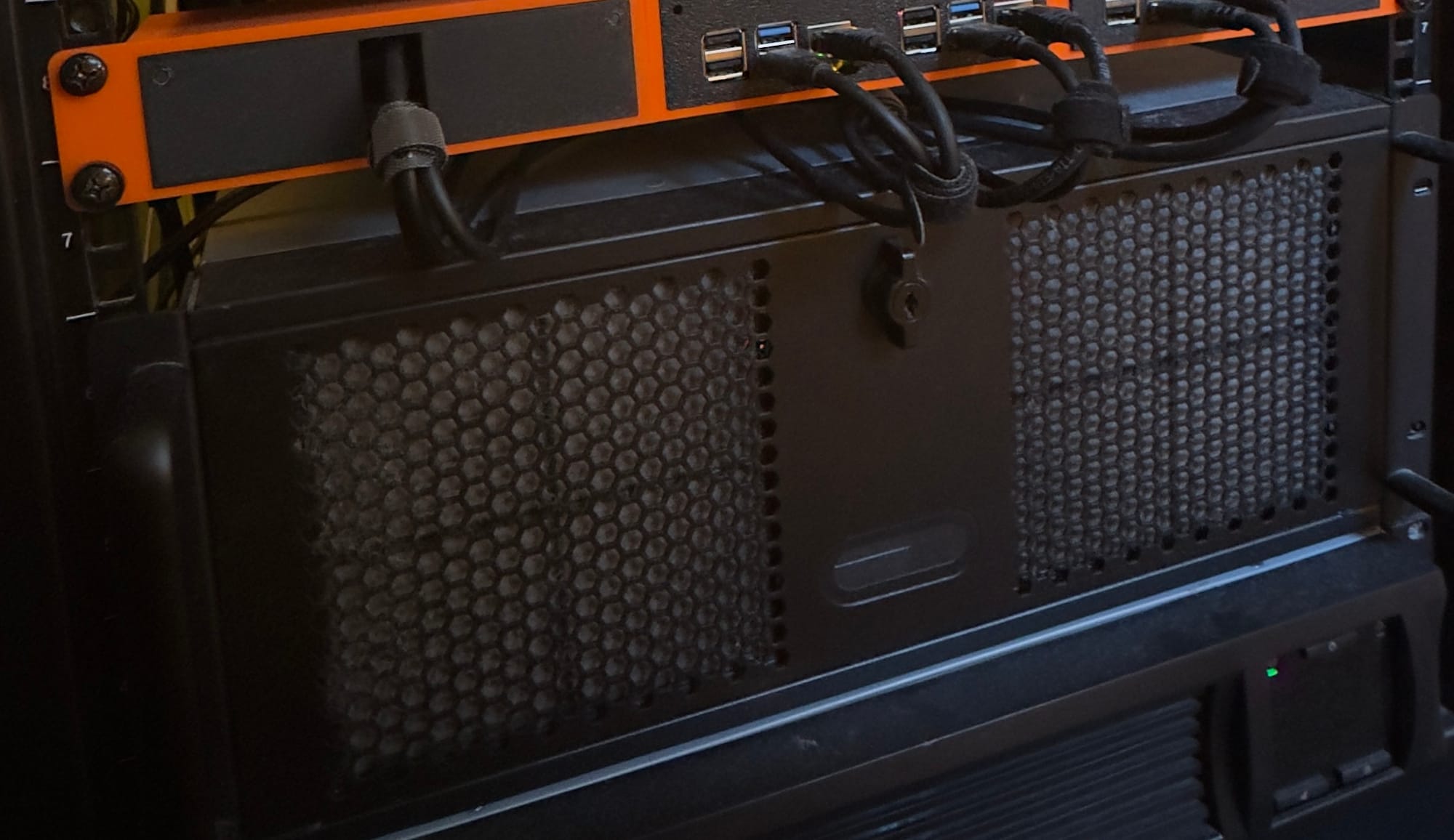
The Setup
Software-related Goals:
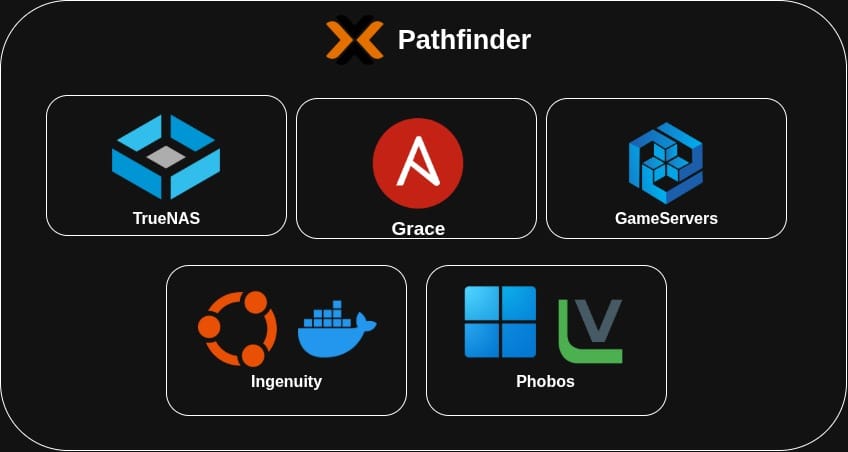
General plan for the upgrade was Proxmox with a virtualised TrueNAS instance simply passing the connected drives into the VM.
I get the whole 'RuN tRueNaS oN BeAr meTaL' debate but I like Proxmox, and since I'm passing through the entire Dell H310 directly through to the VM, TrueNAS retains direct access to the attached drives, avoiding most of the usual virtual-disk concerns that some people cite online whenever this topic is brought up.
Other VMs include: Windows box exclusively for Veeam, Linux box for Ansible and git stuff, a Docker box, game server hosting box and whatever else I have room for.
Hardware-related goals:
- ECC Memory: Bit flips and cosmic rays and data corruption oh my! The gamer gear Corsair memory is fine (including +3 FPS with all the RGB), but it's only getting older and I hate to think all the precious memories, Linux ISOs and memes saved on the NAS are slowly going bad. Sure, it’s not 100% foolproof, but ZFS + scrubs + backups make a good team for holding back the onslaught of space and time. Another motivator was eventually backing up family photos that have been sitting on archival-grade CDs for years, so no risks taken.
- IPMI: As much as I love JetKVM (such a great bit of gear), I just needed more.
- PCI lanes: Since I'm going down the virtualise all the things route, I just need more PCI lanes for more IOMMU shenanigans
- Smaller GPU: An RTX 2080ti is VERY overkill for transcoding Plex, Frigate NVR and the occasional AI usage so just a low power GPU for that stuff, and I'll move heavier AI workloads onto the gaming rig if I ever needed it. I could always use smaller basic models on a smaller card if I wanted to but ymmv.
The Recipe
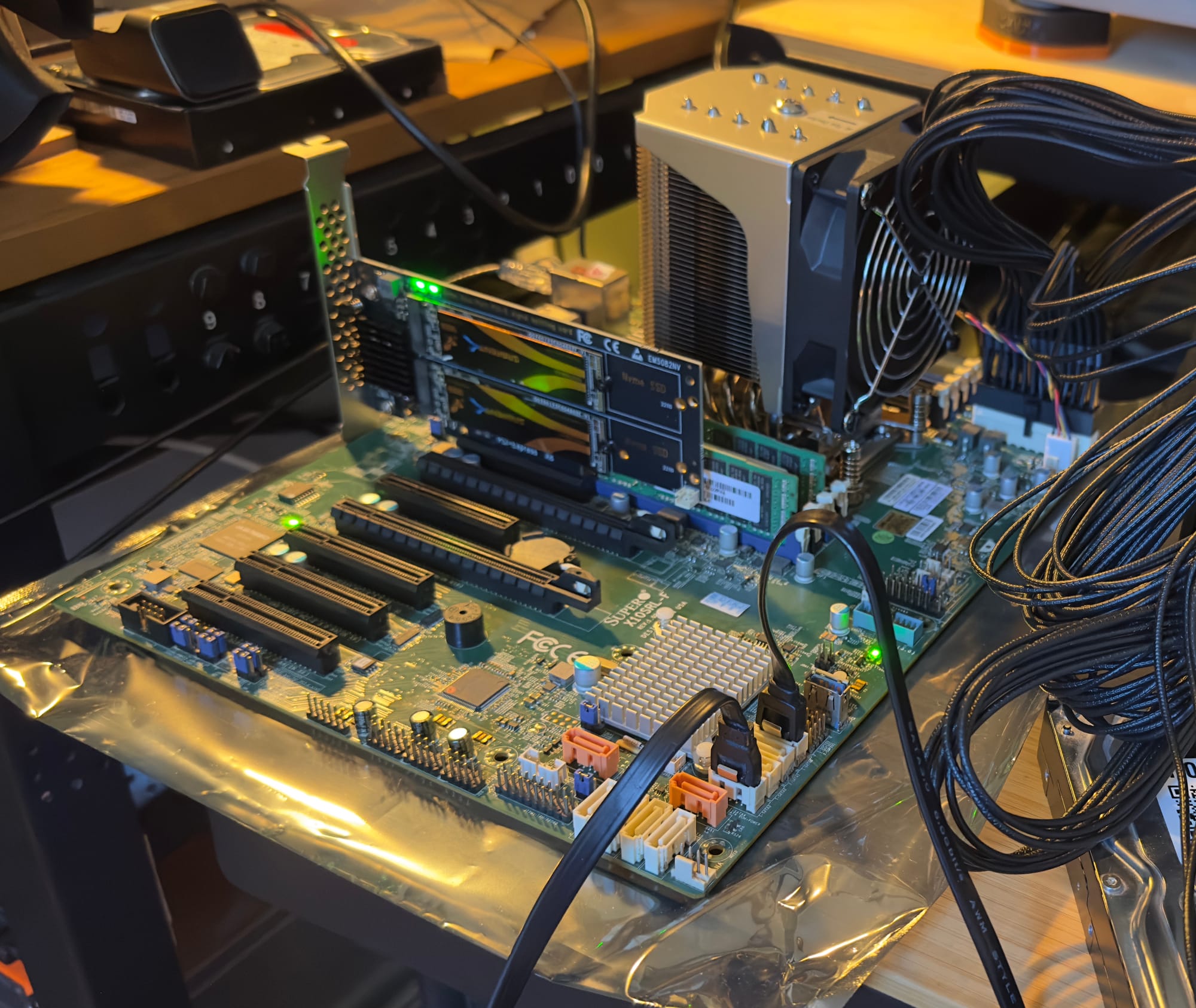
- Motherboard: Supermicro X10SRL-F LGA 2011-3
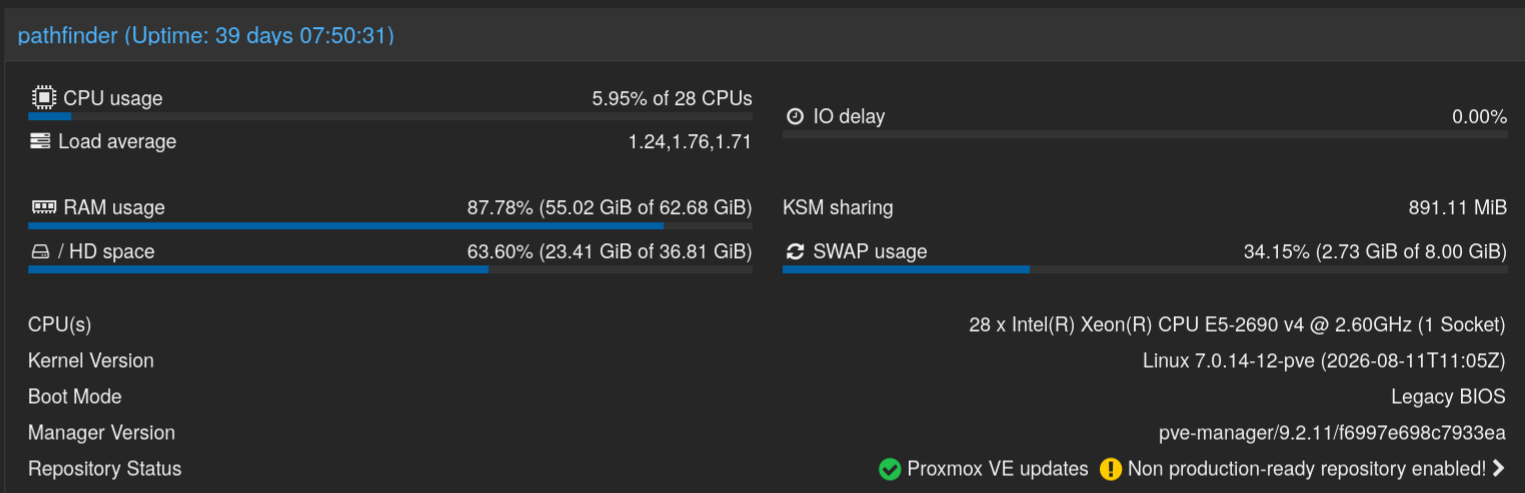
- CPU: Intel Xeon E5-2690 v4
- RAM: 64GB Samsung ECC RDIMM (for an absolute steal as well)
- GPU: Intel Arc A380
- HBA: Dell PERC H310 (IT mode)
- VM Storage: 2x 1TB NVMe(s) in a PCI to M.2 adapter
- Boot Drive: Oldish 120GB SSD
Yea I know, server-grade stuff is certainly not as power-efficient than your average consumer stuff, but a lot more fun
The great migration
This is where the fun begins! Plan was simple:
- Ensure the 2 backups I had of the important stuff was viable, so if one failed or something happened to one I can pivot to the other one (My backup strategy relies on Veeam and/or Rclone moving everything around)
- Backup my local git repo ensuring that all the Docker compose stuff and Ansible commands I want to keep are in there before I do anything
- Confirm that I can pull files down and around as a test
- Setup a test bench with all the new stuff and make sure it's running
- Spin up/configure Proxmox, TrueNAS, Docker host for Git and Windows VM with Veeam
- Pull the old server apart and throw in the new stuff
- Pull my files back into TrueNAS/Git
- Do everything else
Everything went mostly fine... aside from the first backup copy... Turns out Veeam had issues over a sluggish Wireguard connection back to my offsite (aka my parents place) so it'd chug for a bit before erroring out. So my first little NAS that could, my old DS216j came to the rescue, all the files synced across and voila; Success!
What I'd change
I'm not sure I would change anything really! My backup plan was sound and having those multiple copies to pivot to was worth its weight in gold. Ironic that my first ever NAS turned into the hero in this story, so I guess the 10 year old Synology has more life in it yet. Other than that, I could have done a bit more research into POSIX vs NFSv4 datasets in TrueNAS beforehand but nothing lost and knowledge gained. In the end, everything critical was up and running the evening of the upgrade AND I had an absolute ball setting it all up.